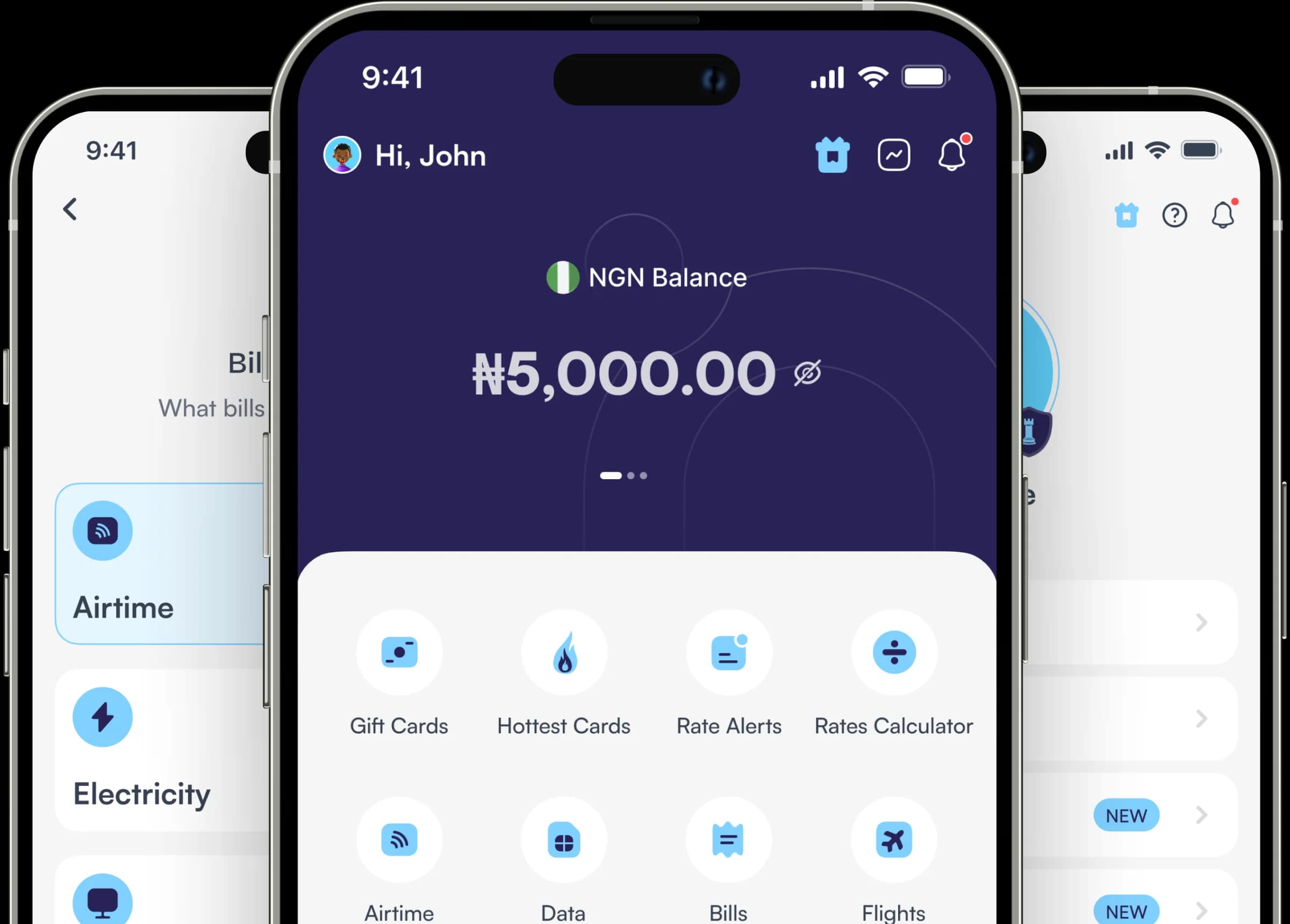
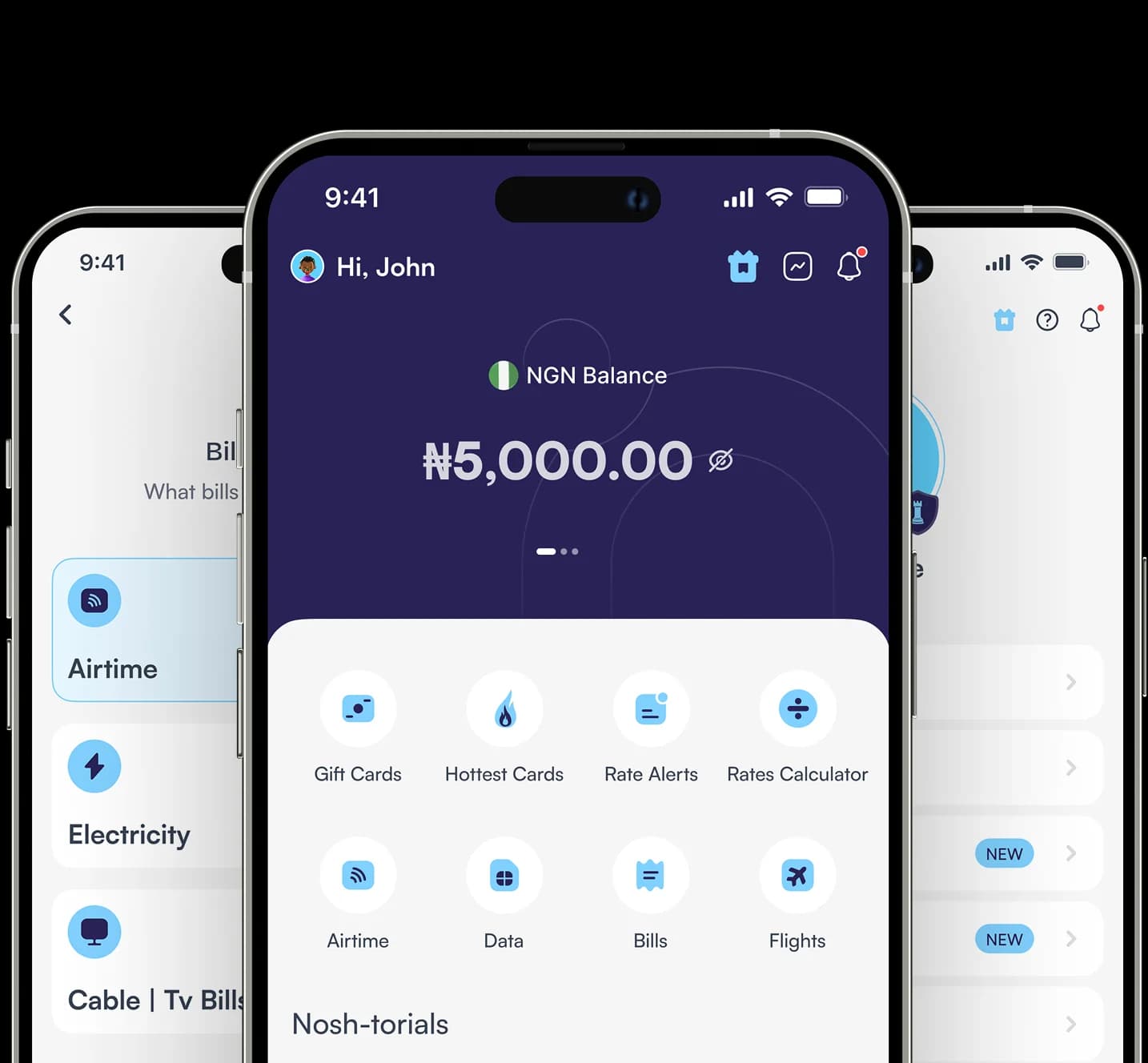
Pay Bills Anywhere in the World
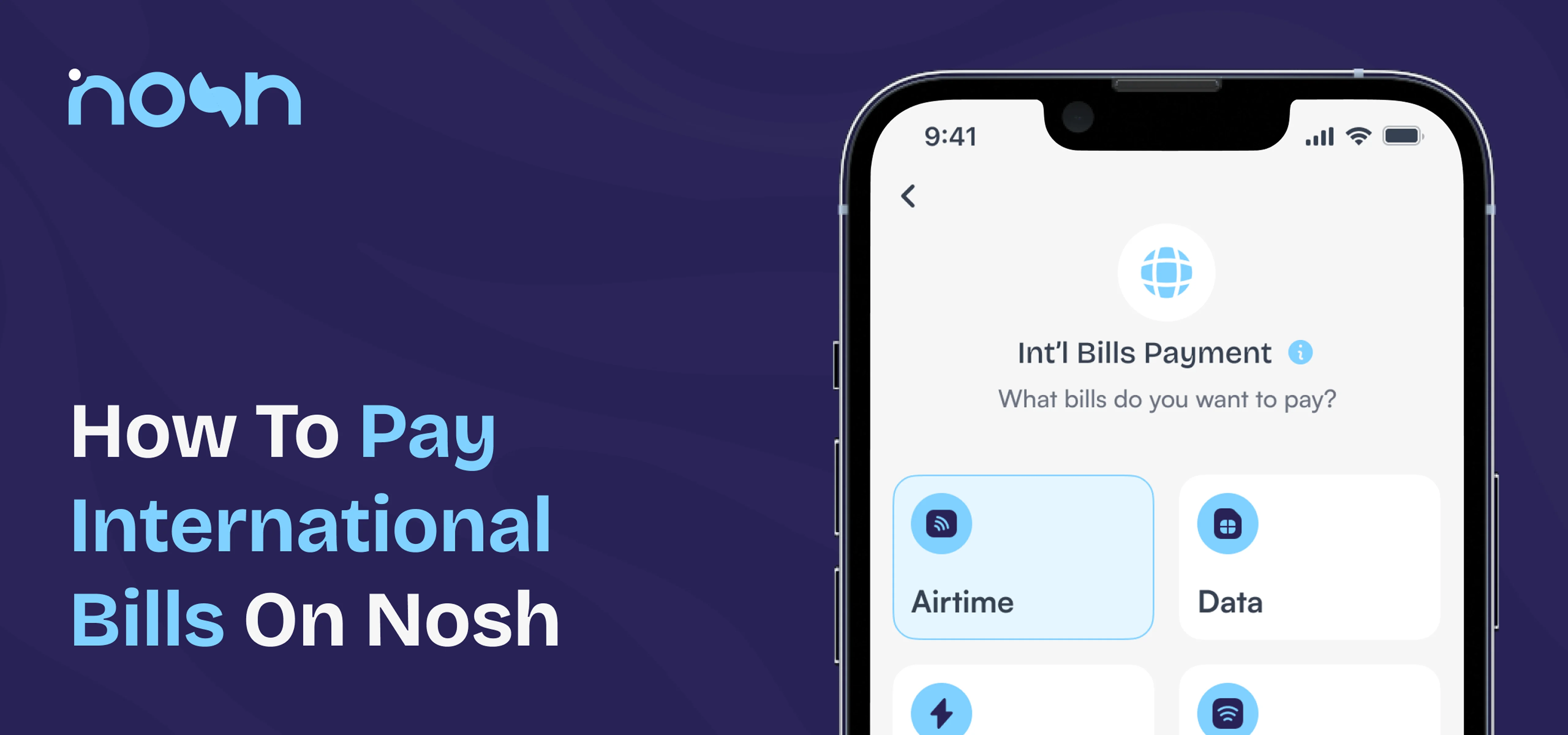
Pay international bills in multiple countries directly from your Nosh account. Just select a country and available billers will show instantly.
Products
Sell Gift Cards
Buy Gift Cards
Rates

Easily pay international bills online from Nigeria or Ghana using Nosh. Sort airtime, data, electricity, TV, internet, and water payments in multiple countries with your local currency.
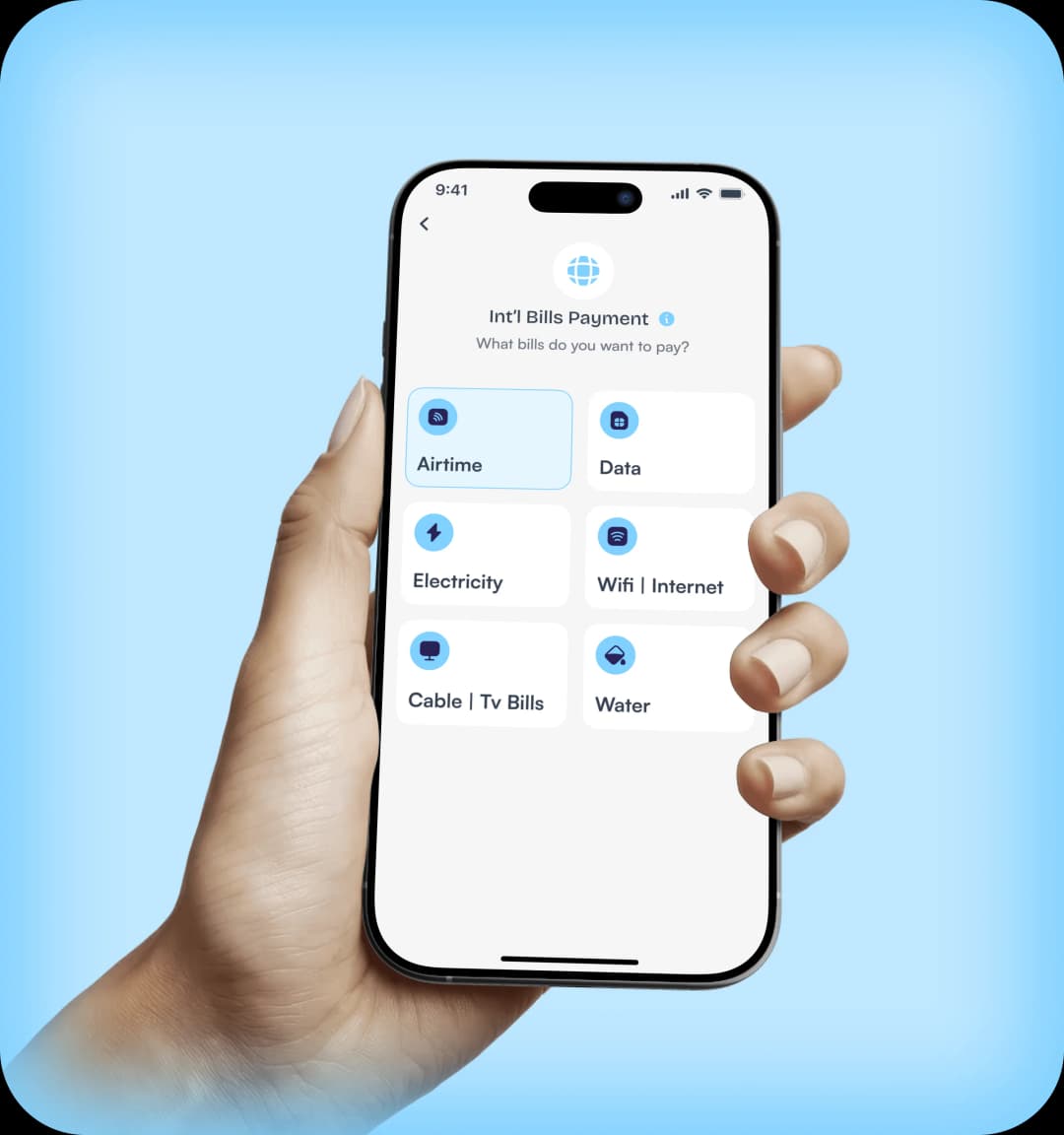
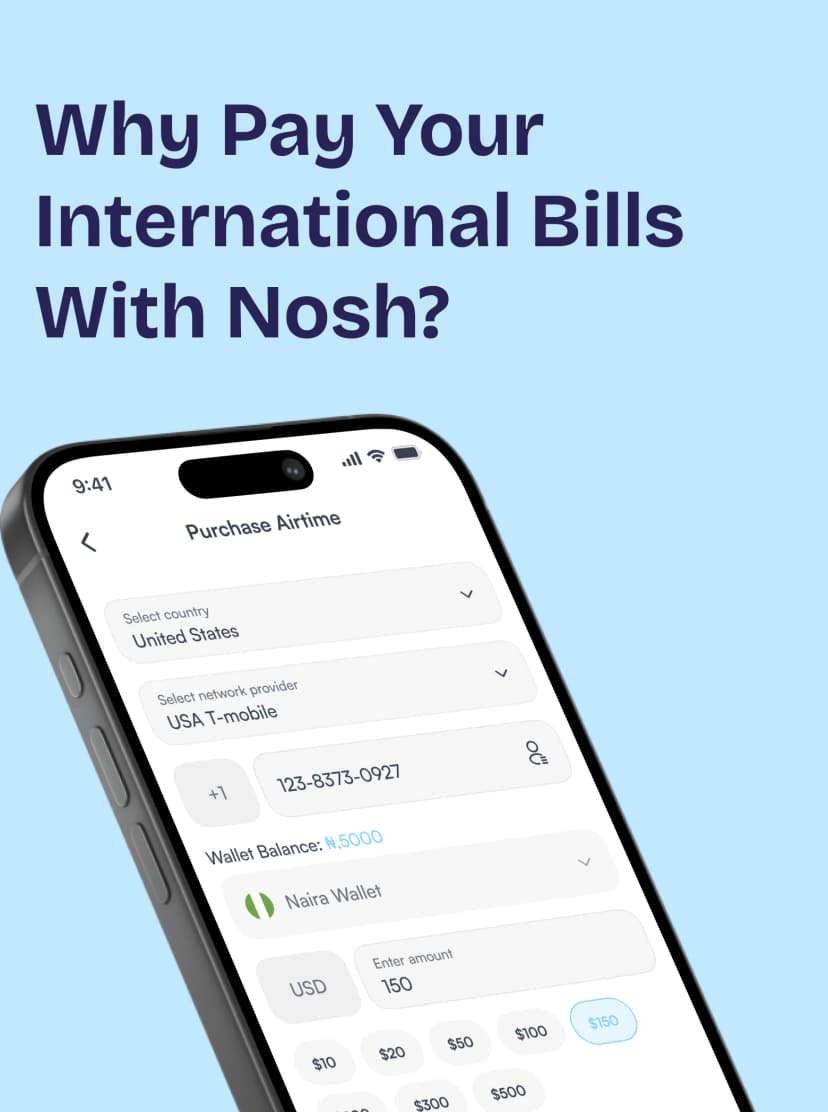
Pay international bills in multiple countries directly from your Nosh account. Just select a country and available billers will show instantly.
From airtime and data to electricity, TV, internet, and water, you can pay different types of international bills all in one place.
No need to worry about exchange rates. Nosh handles currency conversion transparently in the background, so you pay easily with your Naira, Cedis, or Dollar wallet.
The process is simple and quick. With a few taps, your bill payment is sorted instantly.
Nosh makes it easy to pay different types of global bills online without needing a dollar card or making international transfers.
Get instant airtime with NOSH. Recharge your phone easily in under 60 seconds. Say goodbye to unnecessary delays and stay connected wherever you are

Tired of running out of data? Top up quickly and easily with our service! Stay connected hassle-free and say hello to ease.

Enjoy the easiest and most convenient way to top up any water utility bill hassle-free. Stay on top of your water supply!

No more queues, no more dark nights! Buy electricity tokens instantly on NOSH for uninterrupted power supply.

Get your cable TV subscription from the comfort of your home and say goodbye to the stress of long queues. Enjoy uninterrupted entertainment with NOSH!

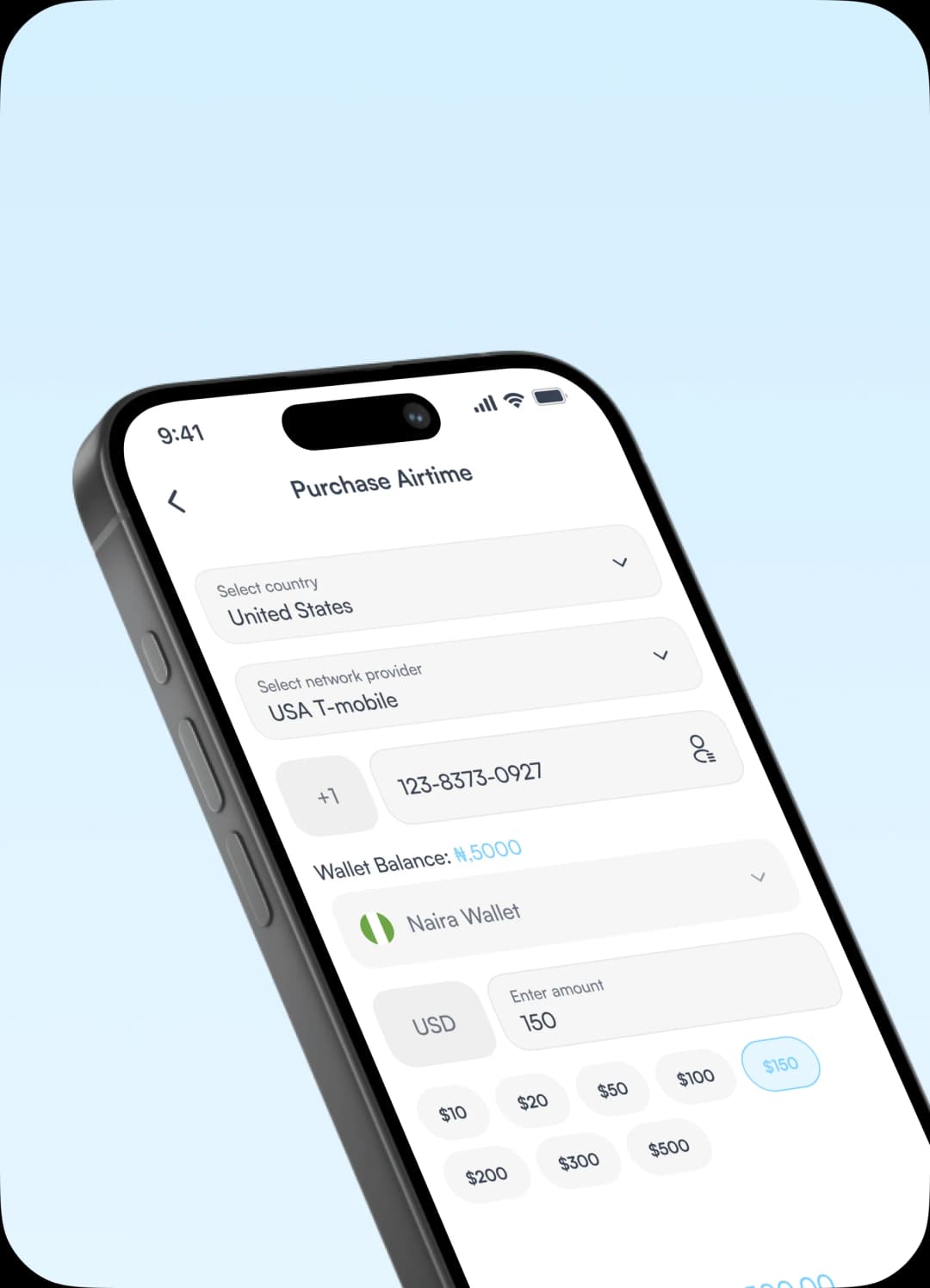
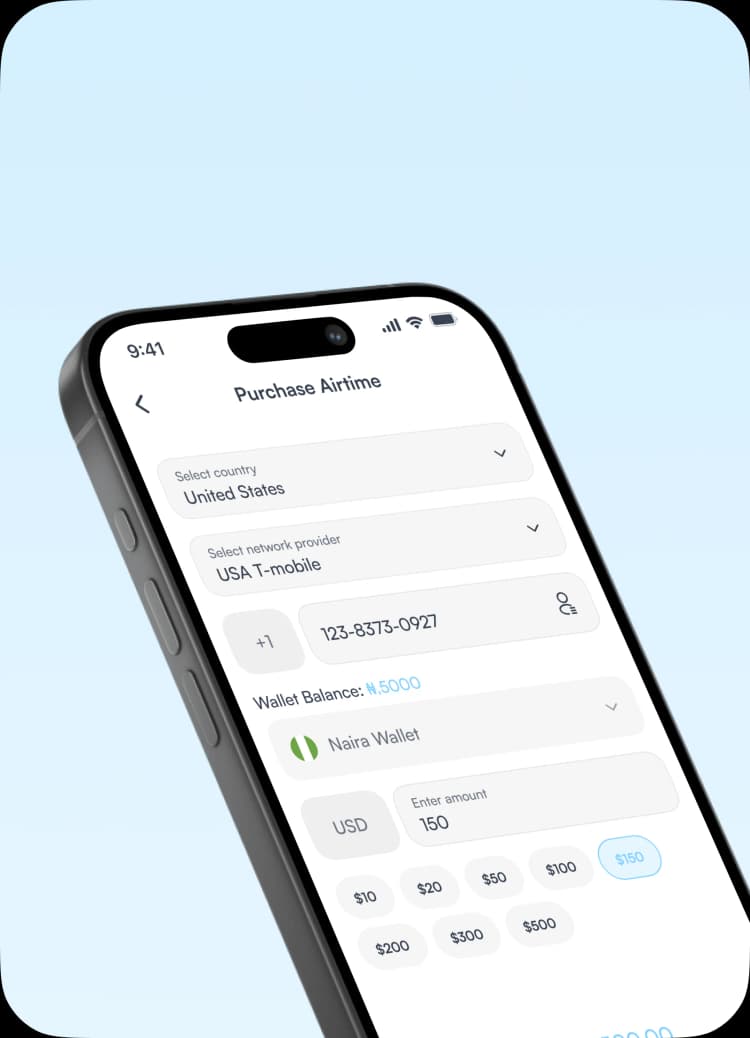
Nosh allows you to pay international bills for multiple countries worldwide directly from Nigeria or Ghana. This makes it easy to support friends and family living abroad without sending money through expensive international transfers. You can also pay for utility bills in the country you are in, if you travel frequently.
Depending on the available billers, you can pay for services in countries across Africa, Europe, Asia, and North America. Currently you can pay bills for over 136 countries including the United Kingdom, the United States, Canada, Australia, and more. The full list is available on the app.
Get the app.
Pay International Bills
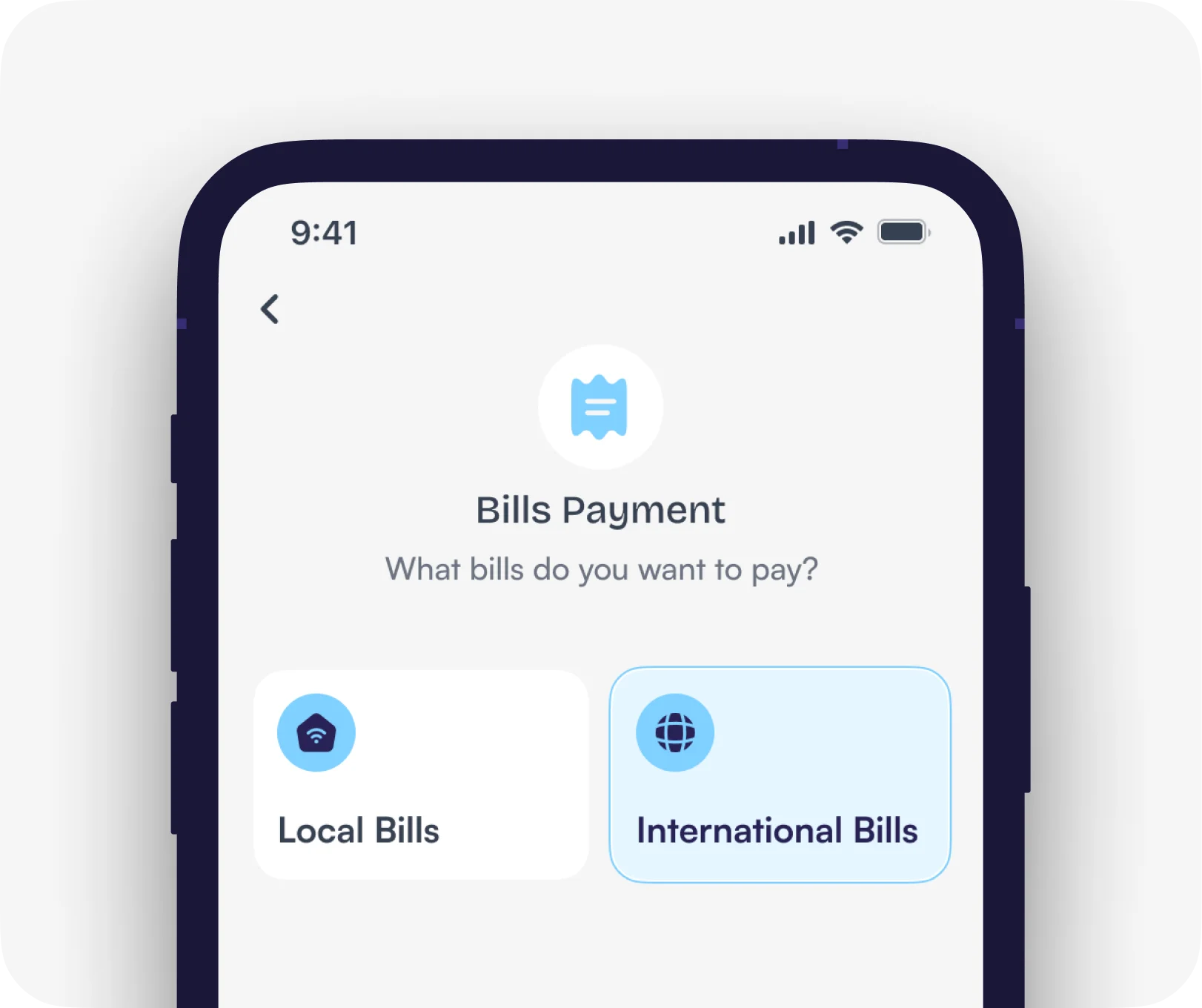
Tap Bills on your dashboard, select International Bills, then choose the type of bill you want to pay. Select the country, input the required details and complete your payment.
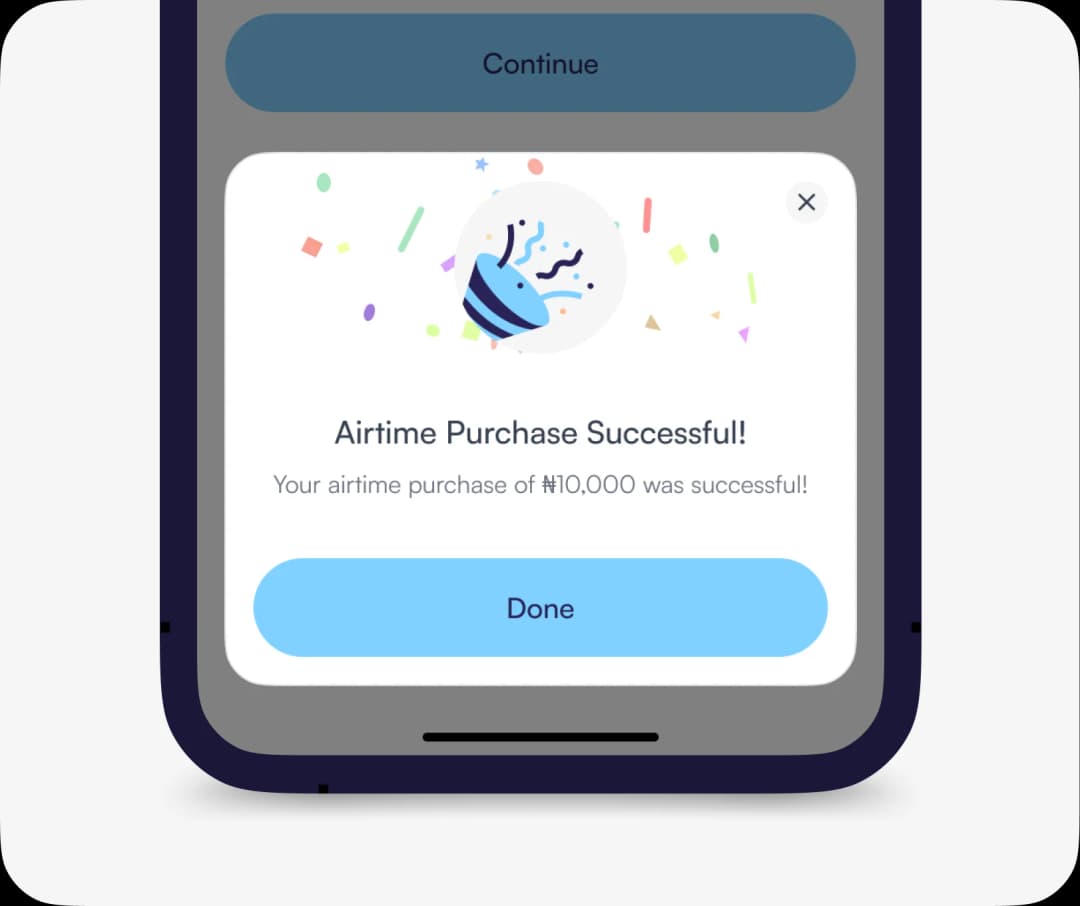
Bill Payment Successful!
Congrats, your international bill has been paid successfully. Fast, convenient, and easy as abc.
1
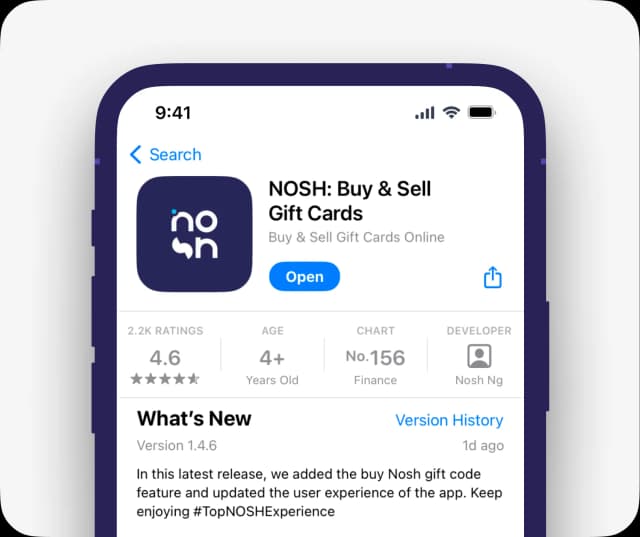
Get the app.
2
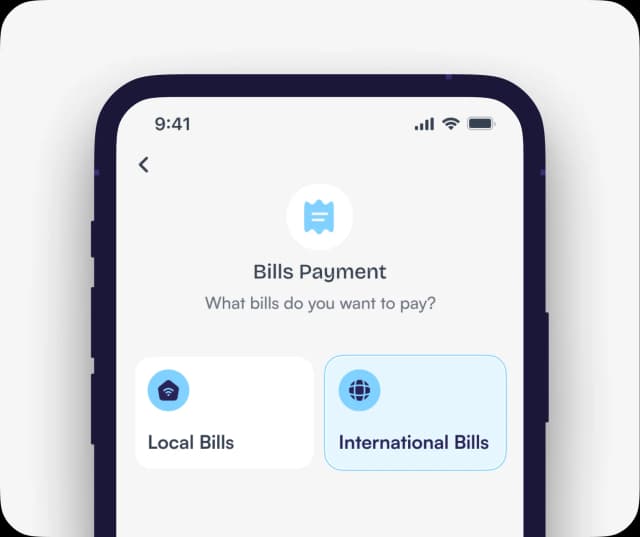
Pay International Bills
Tap Bills on your dashboard, select International Bills, then choose the type of bill you want to pay. Select the country, input the required details and complete your payment.
3
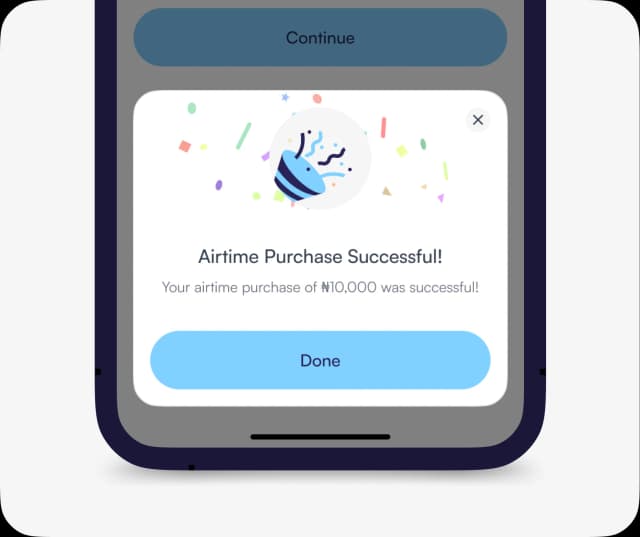
Bill Payment Successful!
Congrats, your international bill has been paid successfully. Fast, convenient, and easy as abc.
Get the APP today to start enjoying amazing deals with #TopNoshExperience.