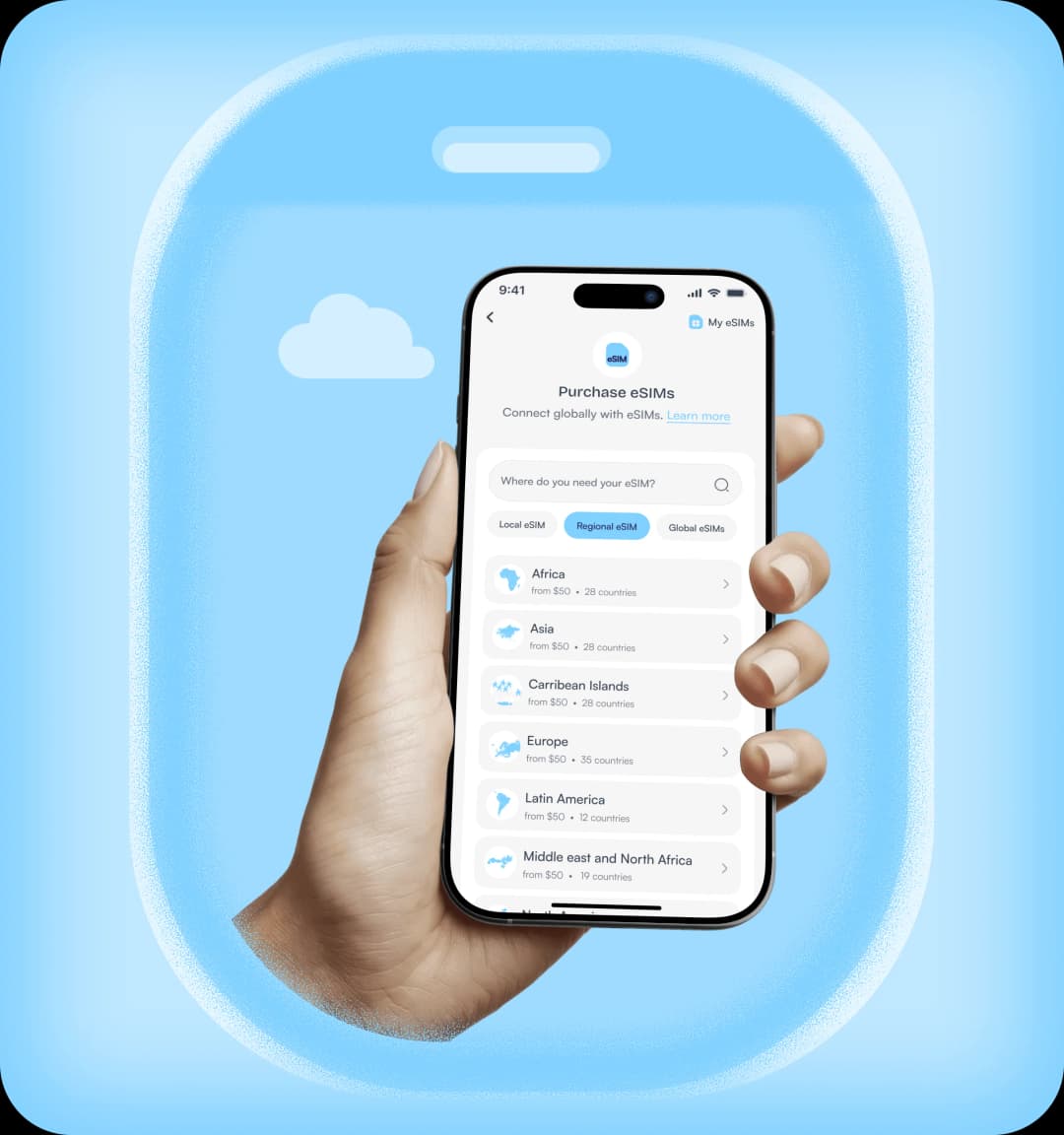
An eSIM (Embedded SIM) is a digital version of a physical SIM card. Instead of inserting a SIM into your phone, the eSIM is already built into your device, and you can activate it instantly by scanning a QR code or entering an activation code. It lets you connect to mobile networks for data, calls, and SMS without actually swapping SIM cards.
Products
Sell Gift Cards
Buy Gift Cards
Rates

Buy eSIM Online in Nigeria — Local, Regional & Global Data Plans
Purchase and activate an eSIM instantly with Nosh. Choose from local, regional, or global eSIM plans and stay connected anywhere in the world without using a physical SIM card.
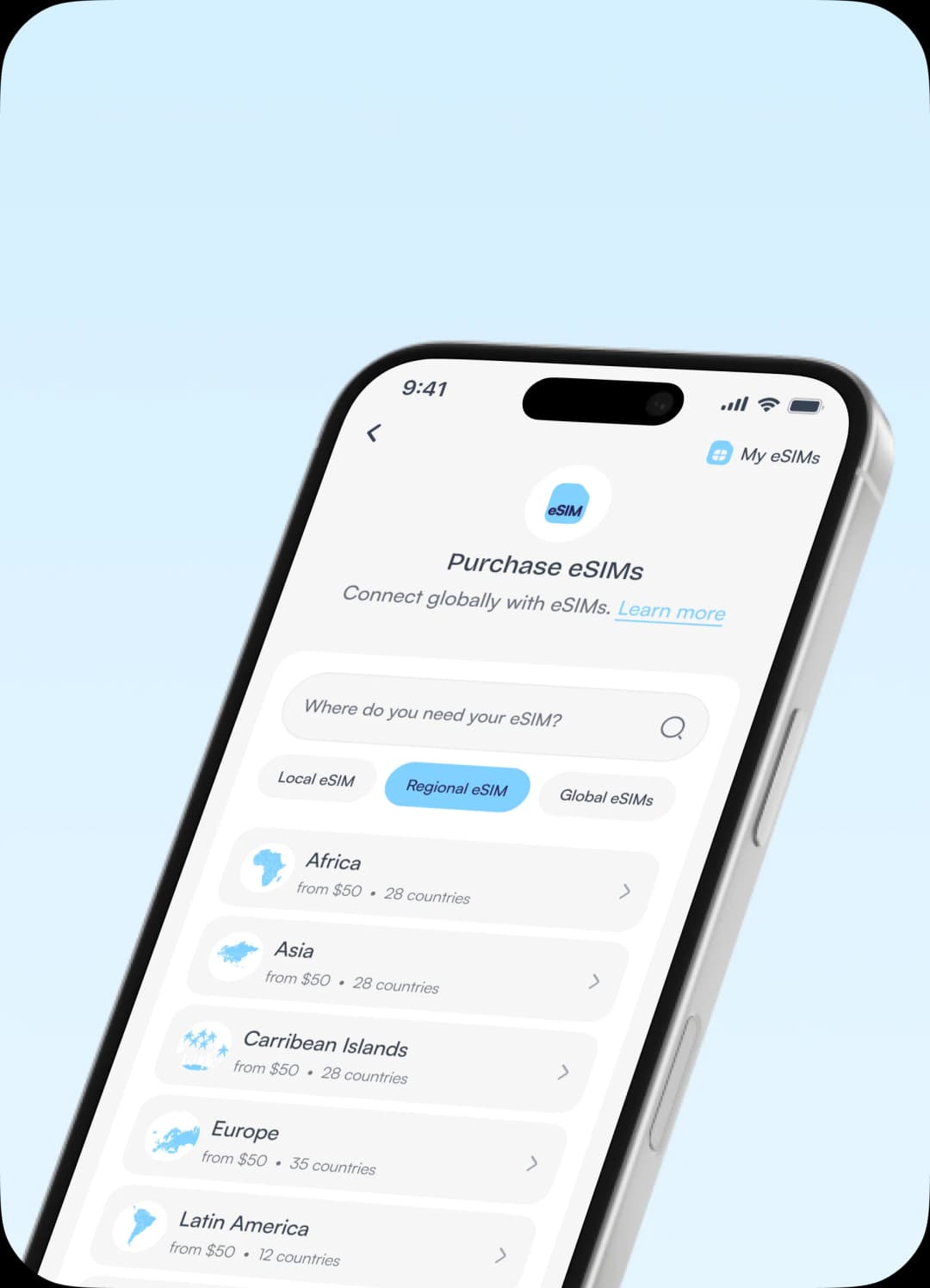
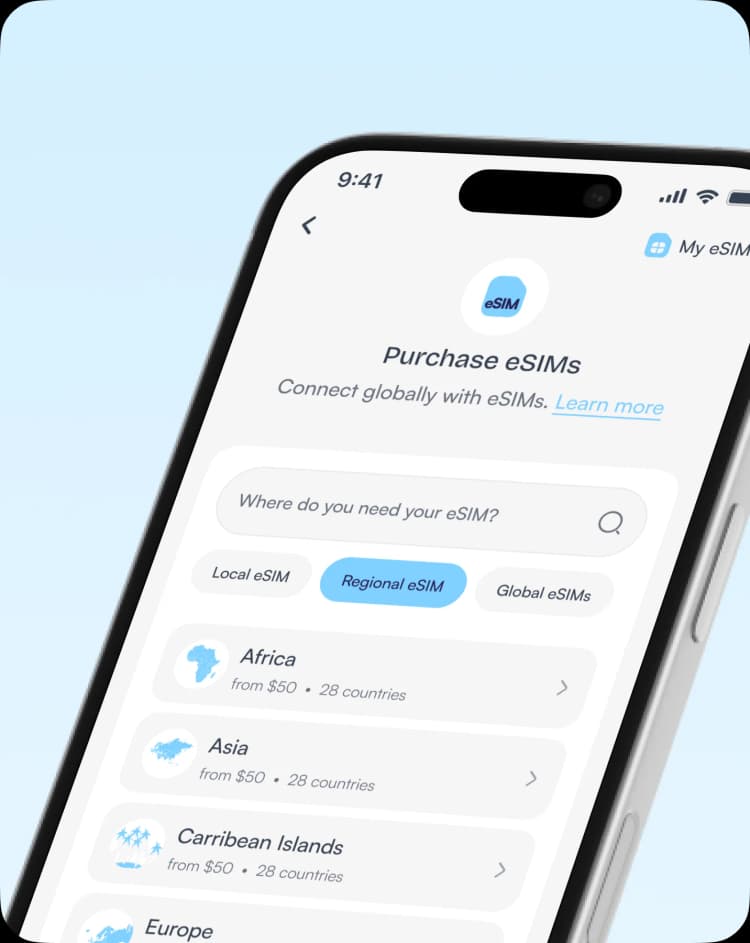
Why You Need an eSIM
An eSIM (Embedded SIM) is a digital SIM card that allows you to connect to mobile networks without inserting a physical SIM card into your device.
Instead of visiting a store or swapping SIM cards when traveling, you can activate an eSIM instantly by scanning a QR code or installing a profile on your device.
Instead of visiting a store or swapping SIM cards when traveling, you can activate an eSIM instantly by scanning a QR code or installing a profile on your device.
Why Buy an eSIM on Nosh?
Nosh makes it simple to purchase, activate, and manage local, regional and global eSIM plans from one platform.
Multiple eSIM Plans
Nosh provides local, regional, and global eSIM plans so you can select the best option based on your needs. You can also choose between data only plans and data/calls/texts plans.
Manage Multiple eSIM Profiles
Easily install, manage, and switch between different local, regional and global eSIM profiles on the same device. Recharge and extend validity as needed.
Reliable Global Network Coverage
Nosh eSIM plans connect to major mobile network providers around the world, ensuring stable and reliable connectivity for data and calls.
Flexible Payment Options
Pay for universal eSIM plans using your Nosh wallet in Naira, Cedis, or USD, making the purchase process stress-free.
Stay Connected Anywhere
Stay connected wherever you go with eSIM plans that work across major mobile networks worldwide. Enjoy reliable coverage for browsing, calling and texting.
Instant eSIM Activation
Purchase your eSIM online and activate it instantly on your device without visiting a mobile store or inserting a SIM card.
How to Buy eSIM on Nosh
1
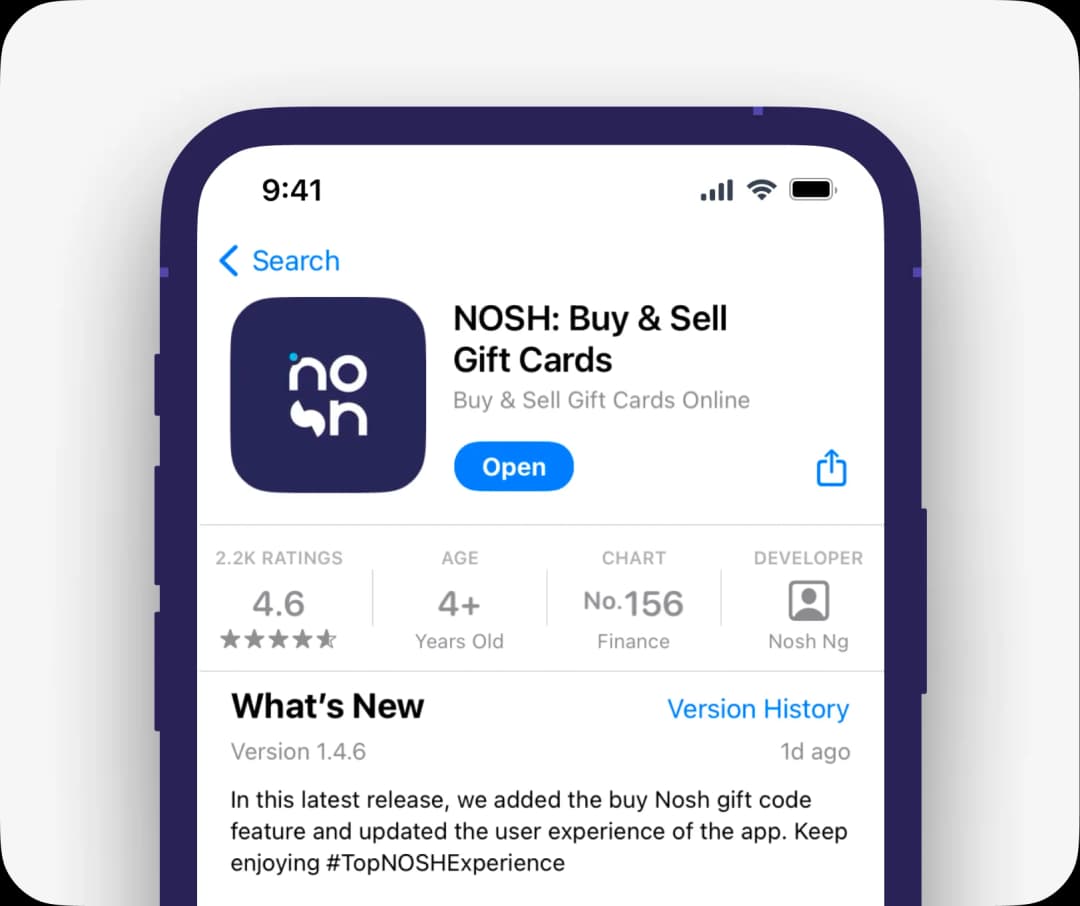
Get the app.
Download the Nosh app. Sign up and verify your identity in a few steps. Fund your wallet if you haven't.
2
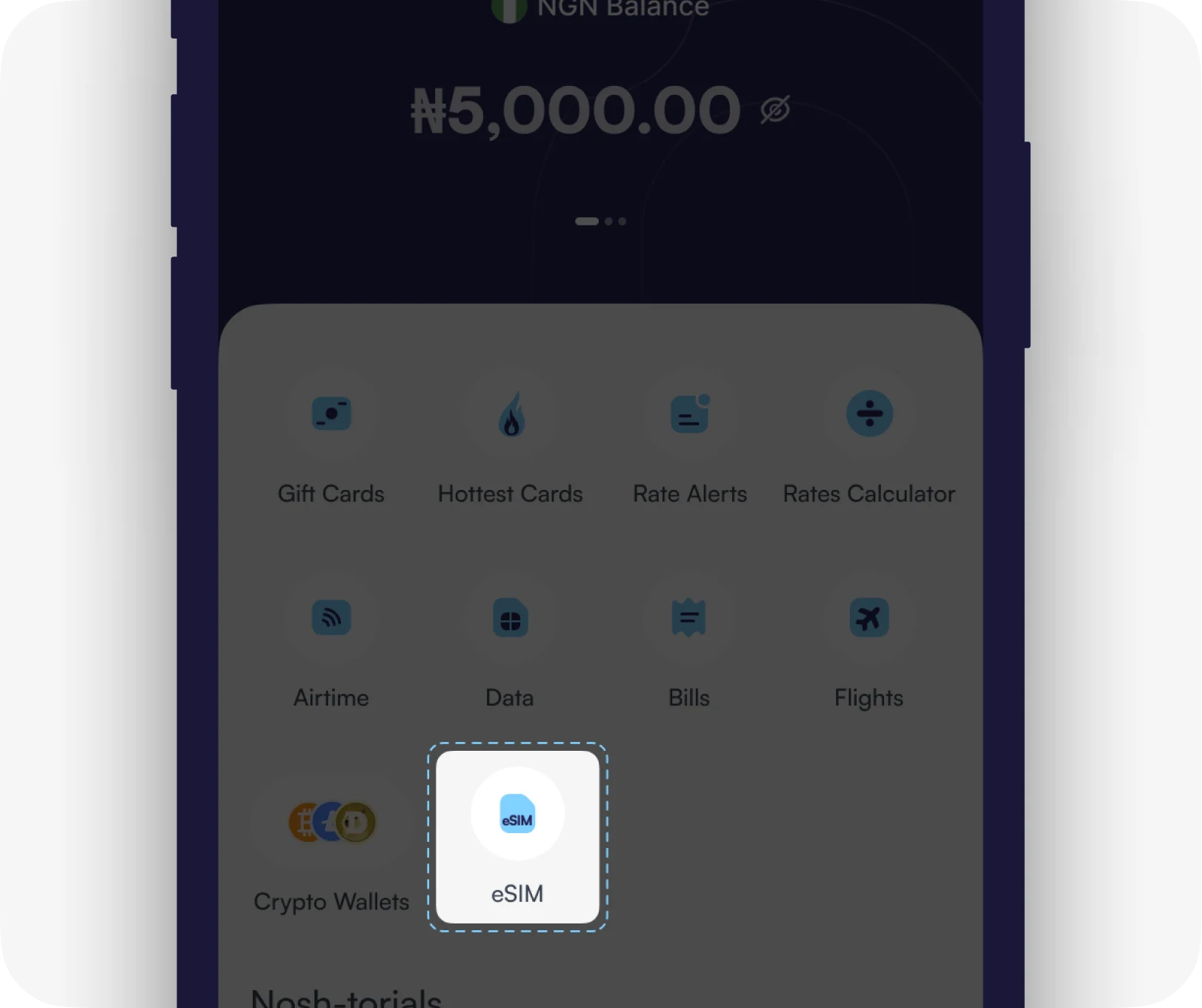
Choose your eSIM Plan
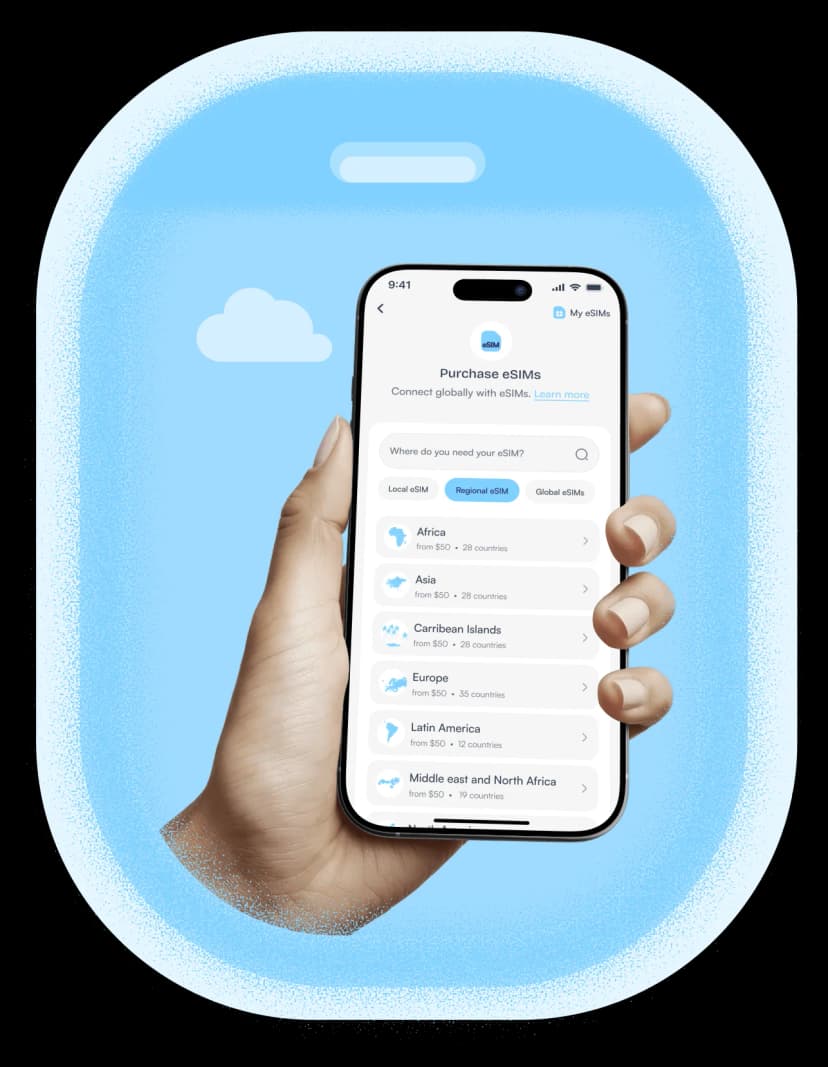
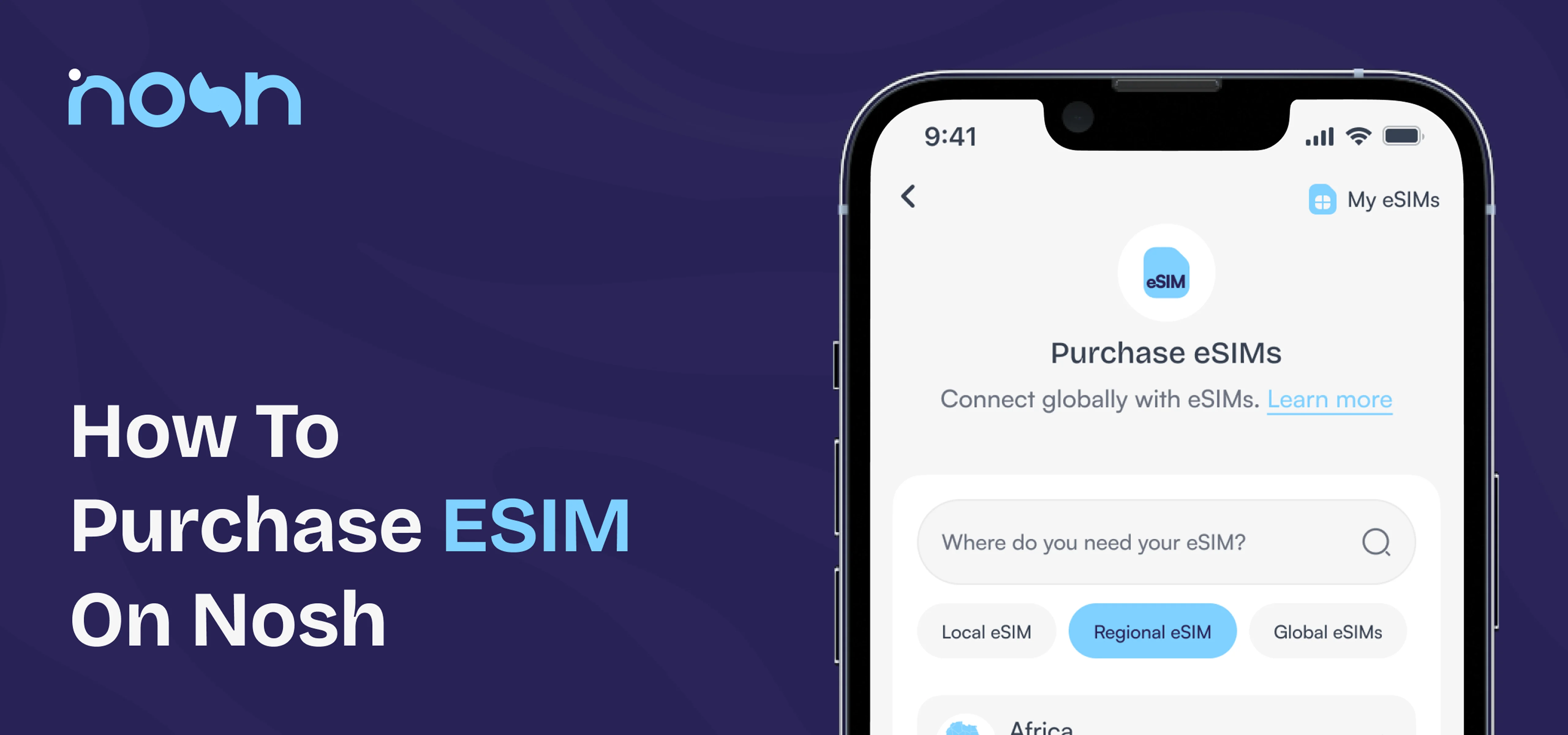
Choose “eSIM” on the dashboard. Pick the category you want: Local, Regional, or Global. Select your preferred country or region, choose between Data-only or Data/Calls/Texts, and browse through available plans.
3
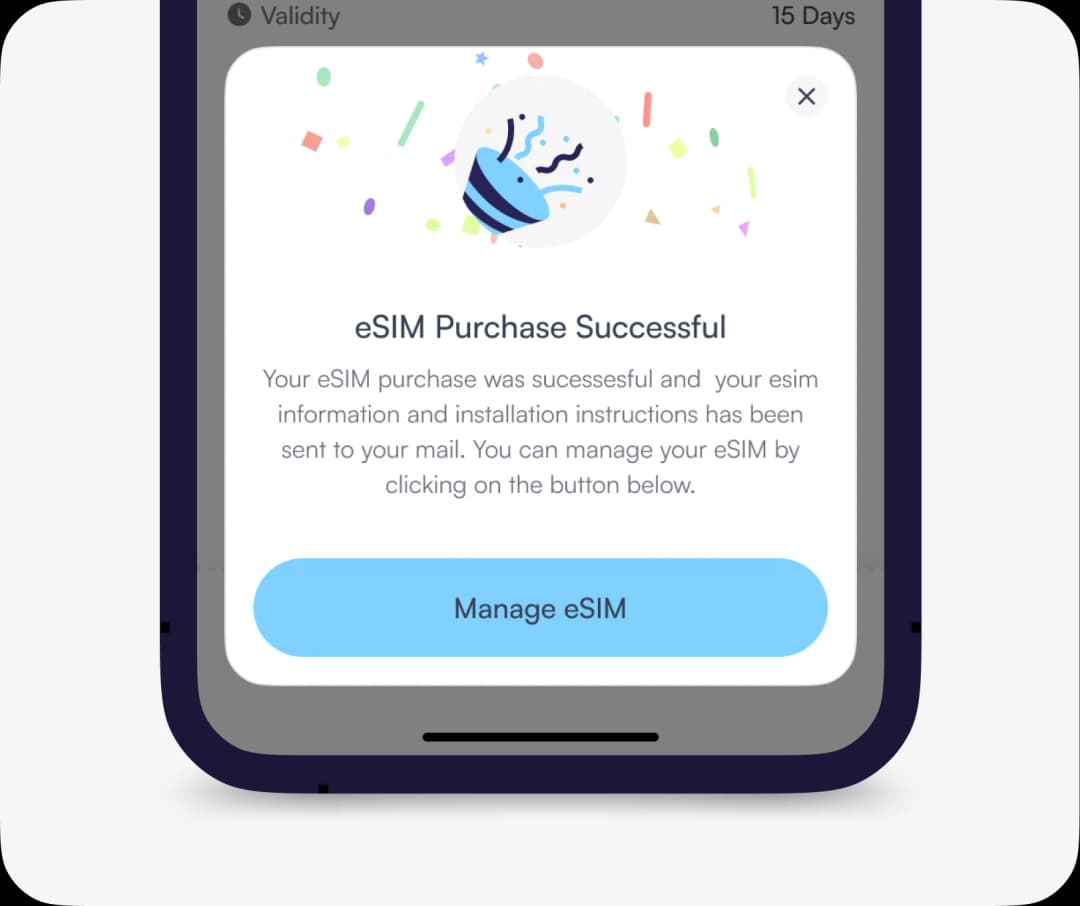
eSIM Purchase Successful
Once payment is confirmed, you’ll instantly receive your activation QR code or a code to scan. You can manage everything from your ‘My eSIMs” dashboard.
How to Buy eSIM on Nosh
1
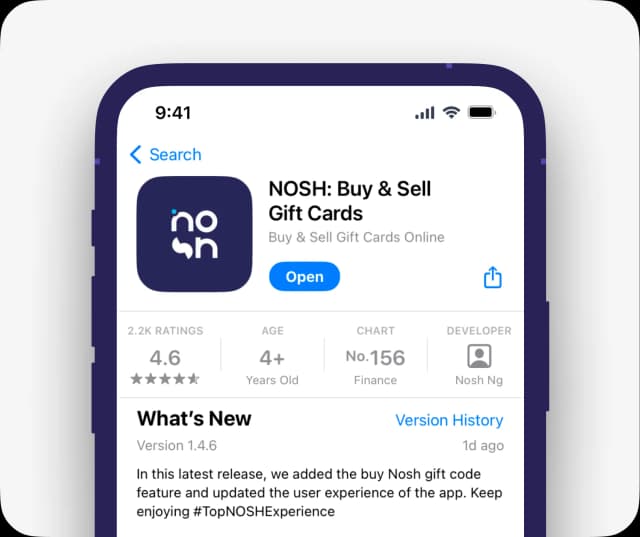
Get the app.
Download the Nosh app. Sign up and verify your identity in a few steps. Fund your wallet if you haven't.
2
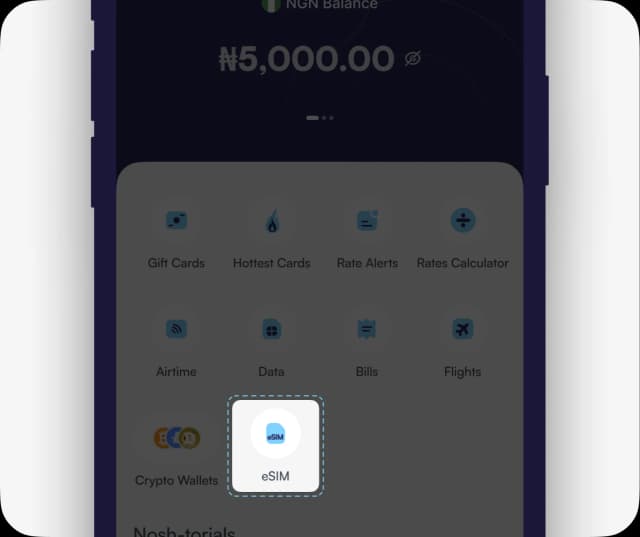
Choose your eSIM Plan
Choose “eSIM” on the dashboard. Pick the category you want: Local, Regional, or Global. Select your preferred country or region, choose between Data-only or Data/Calls/Texts, and browse through available plans.
3
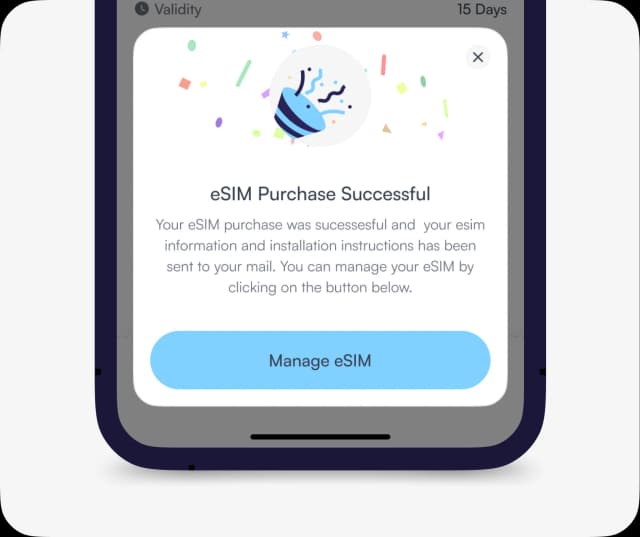
eSIM Purchase Successful
Once payment is confirmed, you’ll instantly receive your activation QR code or a code to scan. You can manage everything from your ‘My eSIMs” dashboard.
or watch the explainer video
Best eSIM for International Travel
Travellers often use eSIMs to avoid expensive roaming charges when visiting other countries.
Using a travel eSIM allows you to:
- access affordable mobile data and/or calls abroad
- stay connected without changing SIM cards
- manage data plans directly from your device
Nosh provides global and regional eSIM plans designed specifically for international travellers.
FAQs About eSIMs on Nosh
Buying your eSIM on Nosh gives you convenience, flexibility, and control. You can purchase, activate, and manage your eSIM directly from your dashboard without visiting a physical store. You also get multiple plan options (Local, Regional, and Global), clear pricing & validity, and the ability to pay in NGN, GHS, or USD.
It depends on your device.
Some phones support dual SIM (eSIM + physical SIM), some support dual eSIM profiles, while others support multiple eSIM profiles but only one can be active at a time.
Newer iOS and many Android devices let you store several eSIMs on your phone, so you can switch between plans easily. However, your device ultimately controls how many you can install and keep active.
Log in to your Nosh account and go to "eSIM", then "My eSIMs" on your dashboard. Select the eSIM you want to install, tap "View details" and then "Installation". Under Installation, you’ll see the instructions to follow based on the method you choose - Direct, QR code, or Manual.
After logging into the app, go to "eSIM" then "My eSIMs" and select the specific eSIM you want to view. Under "eSIM Usage", you’ll see your current data usage, including how much you’ve used and how much is left.
If you need more data, simply tap Packages to browse available top-up plans. You can also top up directly by tapping "Top up" under the eSIM you want to add data to.
Download NOSH App
Get the APP today to start enjoying amazing deals with #TopNoshExperience.
Over 1M+ downloads